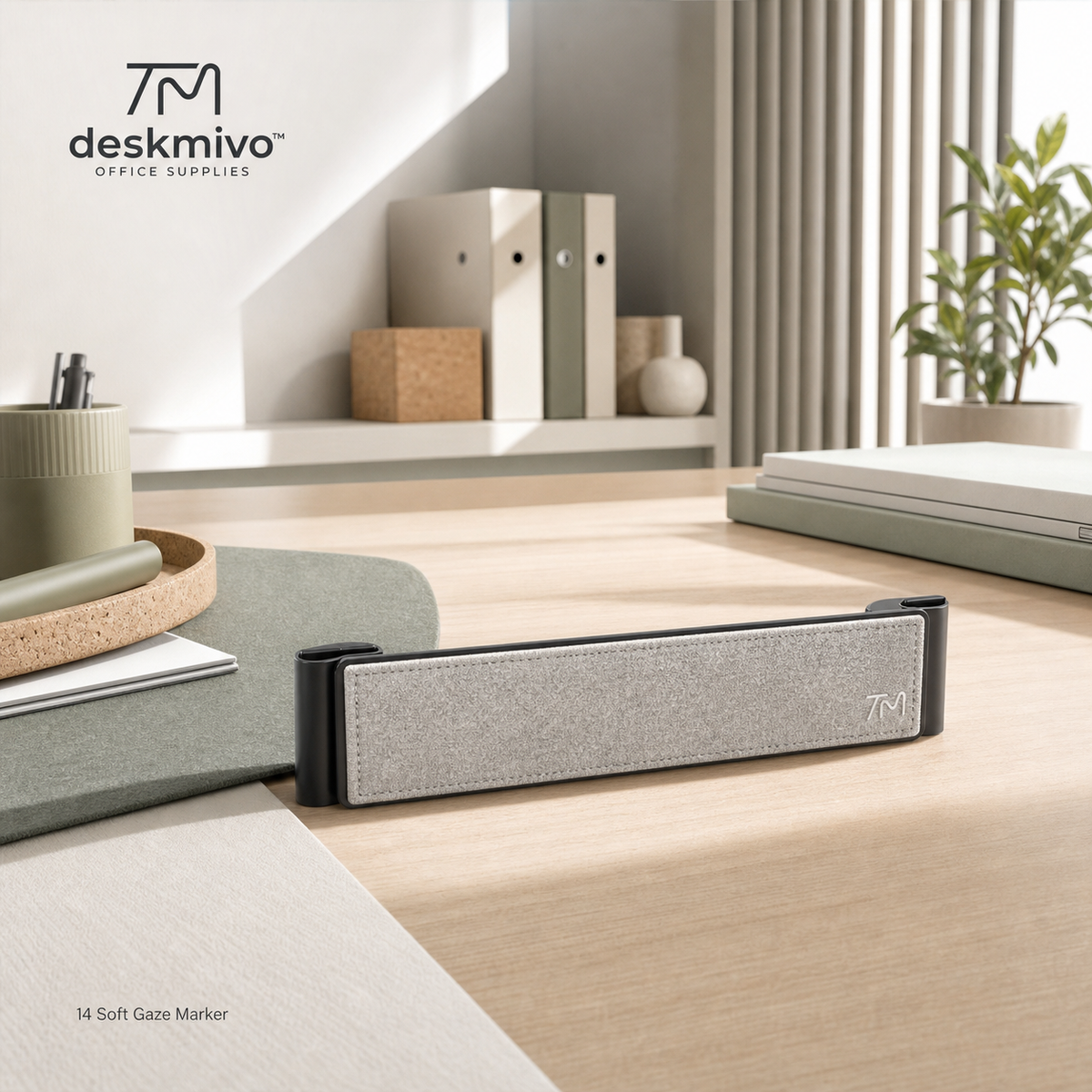
Deskmivo™ Soft Gaze Marker – Portable Desktop Visual Anchor
Deskmivo™ Soft Gaze Marker – Portable Desktop Visual Anchor
Couldn't load pickup availability
Product Overview:
Create one clear point of orientation on an otherwise open desk. The Deskmivo™ Soft Gaze Marker is a slim freestanding desktop accessory designed to establish a visual endpoint, divide a work surface, or mark the boundary of an active task area.
Its low horizontal profile adds structure without blocking the user’s view. A soft fabric-inspired center panel introduces warmth, while the dark end supports create a stable, finished silhouette. 👁️
Key Features:
- ➖ Low-profile visual marker: Defines space without creating a tall barrier.
- 🪶 Soft central surface: Adds tactile and visual softness to hard desktop materials.
- ↔️ Horizontal orientation: Works well along the back or side of an active workspace.
- 🧩 Freestanding design: Reposition whenever the desk layout changes.
- 🖥️ Minimal footprint: Provides structure while leaving the main surface open.
- 🌿 Neutral material palette: Coordinates with felt mats, cork accessories, and light wood furniture.
Product Functions:
The Soft Gaze Marker can indicate where notebooks should align, separate active work from stored objects, or create a visual stopping point behind a keyboard. It may also be used as a small backdrop for personal objects, frequently used tools, or compact desk accessories.
For users working at long or shared tables, it can establish a personal zone without installing a full partition.
Recommended Use Scenarios:
- Shared tables
- Minimalist home offices
- Reception counters
- Study desks
- Creative workstations
- Video-call desk styling
- Product display surfaces
- Temporary work areas
Design Details:
The elongated felt panel is framed by two compact supports that visually “bookend” the workspace. Its restrained proportions allow it to remain noticeable without becoming the dominant object on the desk.
Why It Stands Out:
Most workspace boundaries are either flat mats or tall dividers. Deskmivo™ Soft Gaze Marker occupies the space between them, creating a clear visual reference while maintaining an open view.
Placement Ideas:
Position it behind a notebook to create a planning station, beside a laptop to separate accessories, or near the far edge of the desk as a visual focus line.